





Your photo book and memories - Pixum quality
Quality – Pixum is a multiple award winner. Our latest achievement: The TIPA World Award 2025 for the Best App for Photo Books!
Sustainability – Our entire Pixum photo book range is FSC®-certified. Learn more about how Pixum is committed to the environment and reducing CO2e emissions.
Service – If you have questions, our outstanding customer service is always here to help.


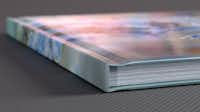
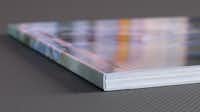


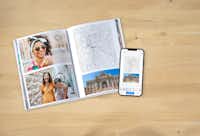





“Great quality product. As always, the customer service is excellent. I ordered the wrong book size and the team were very helpful in correcting it.”
“Very happy with my latest Pixum photo book celebrating my wife's 70th birthday with one picture for every year. Print quality is excellent even from rephotographed old b/w prints. And the service from the Pixum team is always helpful and friendly.”
“I love my book and really enjoyed putting it together. The quality is really good. In the beginning it took a little while to navigate the app but I soon got the hang of most of what it did but not all. I would have liked it to do a few more things such as the ability to place photos in shapes and clouds etc. I also think the price point is rather steep and probably would make more books if they weren?t so expensive.”
“Excellent quality of images and well made book”
“I think your product is excellent. I have learnt how the softwear works to my advantage and make lovely photo books. Zero complaints. However, a complaint: in the past the delivery has required me to be here and receive it, this time it was Amazon and they left it potentially in the rain on my drive.”